₹15,000
Stencil Station
Benchtop solder paste stencil printer
Price, excl. 18% GST
Part no.SS-STENCIL
Free shipping across India. Dispatched from Kalyan, Maharashtra.
Quantity
DispatchUsually within 10 working days from Kalyan, with tracking
Warranty12 months on parts. Warranty details
InvoiceGST tax invoice (CGST + SGST or IGST) for input tax credit
PaymentUPI, cards and netbanking, or bank transfer (NEFT/RTGS)
StencilStation — Benchtop Solder Paste Stencil Printer
StencilStation delivers production-grade solder paste printing in a compact, bench-top form factor. Designed to work seamlessly as part of your SMT assembly line, it ensures perfect paste deposition every time — whether you're running a single prototype or a batch of boards.
Key Features
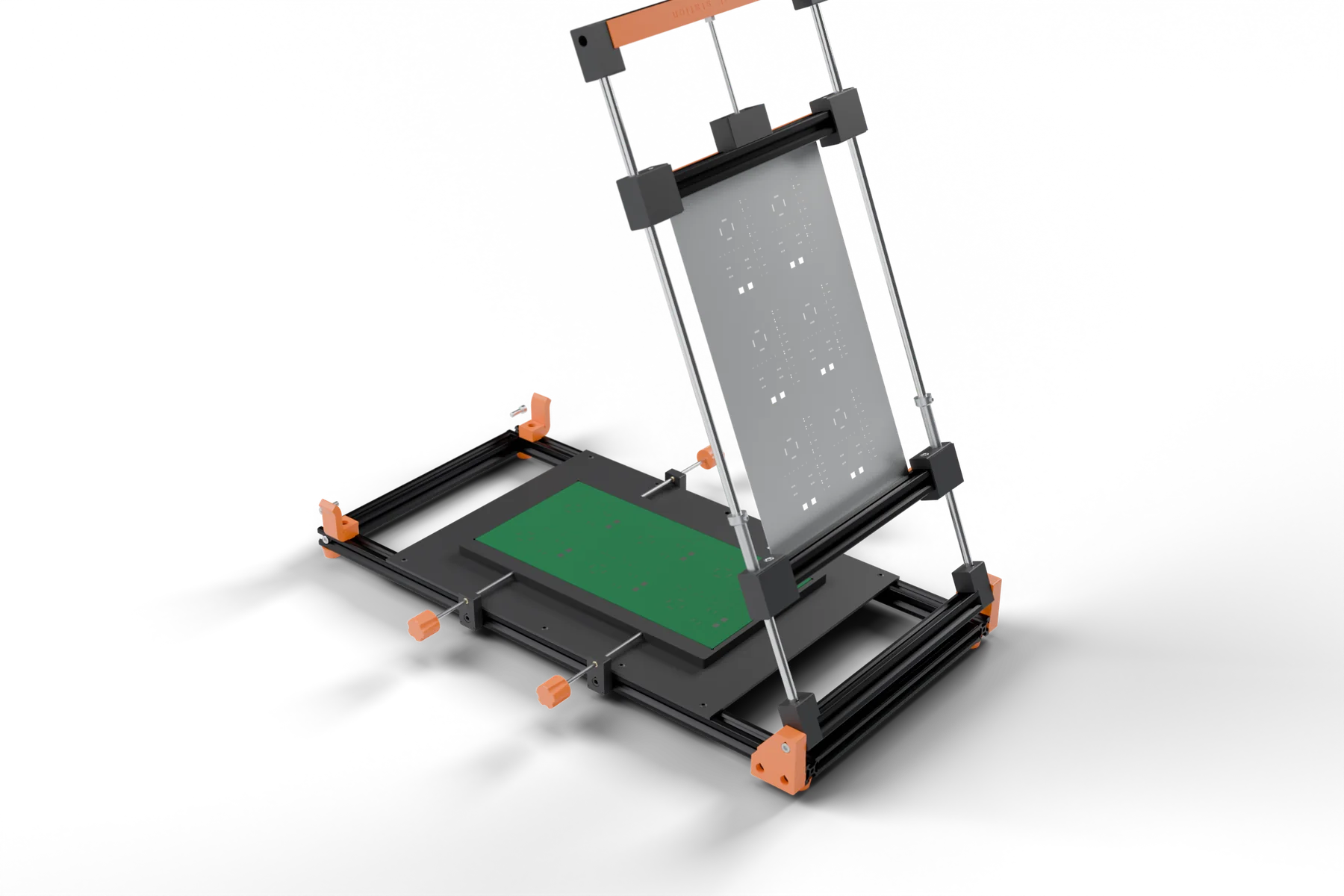
- Quick-lock PCB fixture for fast, repeatable board alignment
- Adjustable stencil frame to accommodate different board and stencil sizes
- Smooth squeegee mechanism for even, consistent paste layer
- Works with standard SMT laser-cut stencils
- Compact benchtop design — minimal footprint
- Ideal for 0402 and above component pitches
Who Is It For?
Designed for electronics engineers, PCB assemblers, and hardware startups in India who need accurate, repeatable solder paste application without manual stenciling guesswork.
Made in India
Manufactured by Tejwani Industries Private Limited. Pairs with the PlaceStation pick and place machine and SolderStation reflow oven for a complete end-to-end SMT assembly workflow.
Specification
Size limits
Max stencil size
480 × 208 mm
Frameless laser-cut stencil
Max PCB size
430 × 200 mm
Keep pads within the centre 180 mm of the board width
Board length rule
Stencil − 50 mm
Longest PCB for a given stencil length
| Stencil type | Frameless stainless-steel laser-cut stencils |
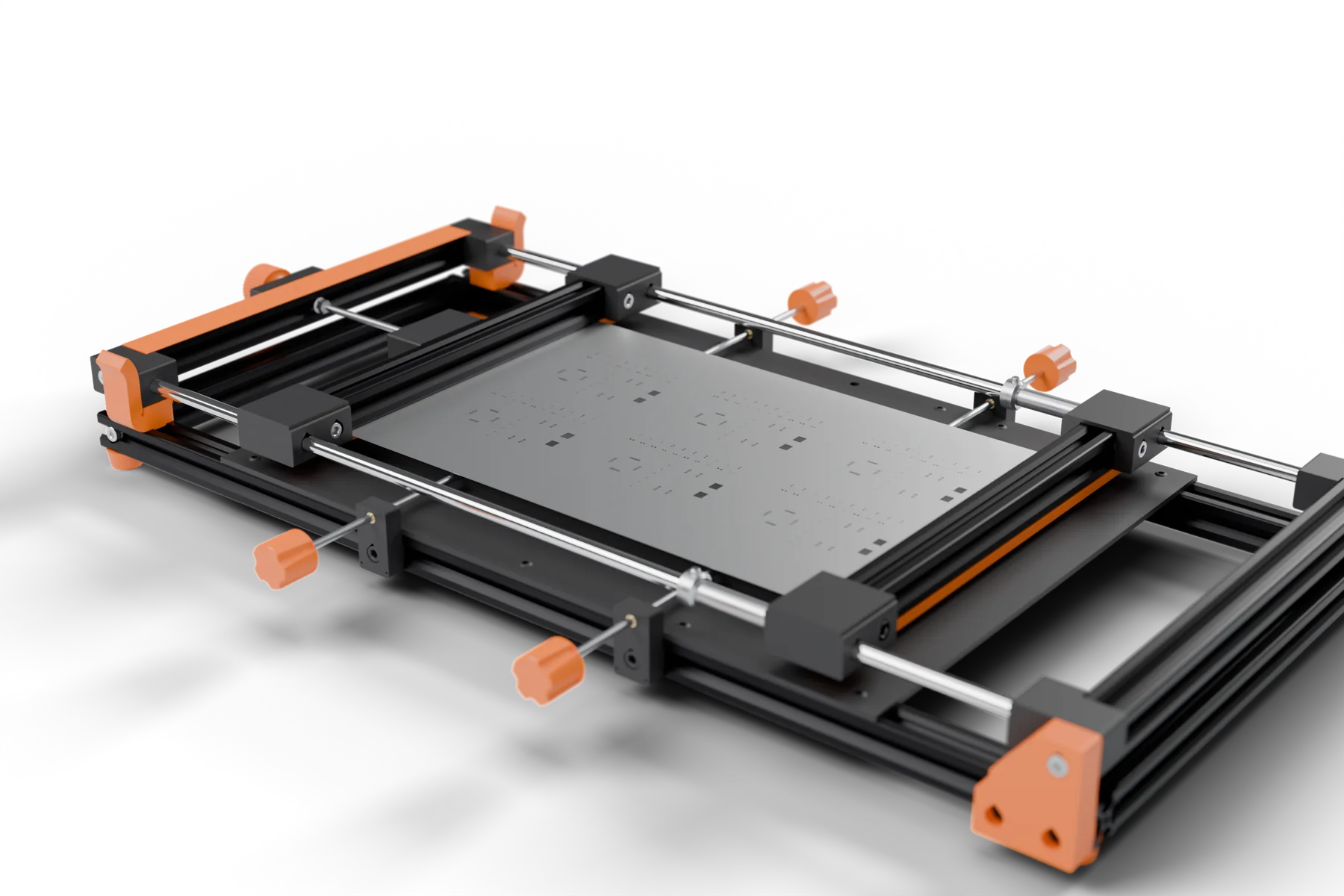
| Stencil clamping | Spring-tensioned clamp bars on 8 mm smooth rods, about 19 mm grip at each end |
| Stencil frame | Rear-hinged on bearings, lowers flat onto the board |
| PCB fixture | Magnetic PCB holder on a steel base plate |
| Alignment | X / Y fine adjustment with knobs |
| Component range | 0402 and above |
Set up your StencilStation
Scroll through the whole setup, one move at a time. This is the real StencilStation CAD, with the Allen keys that come in the box.
- Out of the boxOpen the carton, lift out the stencil and the machine, screw in the side knobs. It fits beside PlaceStation on one 120 × 80 cm desk.
- Mount the stencilRaise the frame, loosen the six clamp button heads two turns with the 3 mm key, slide the stencil in and tighten them again.
- Any board sizeEvery board, up to 150 × 295 mm, uses the same 200 × 345 mm stencil and gets a holder printed to fit. Make yours from your Gerber.
- Tension itPush both shaft collars back and lock them, then turn the front knob until the stencil pulls flat.
- Fit the PCB holderSet the printed holder on the base plate (magnets hold it). Loosen the four rod holders with the 4 mm key, line each rod up with its socket in the holder and lock them.
- Square the boardPush the PCB into the holder's corner stop, lower the stencil and turn the side knobs until the pads sit under the apertures.
- Set front to backTurn the front knob to move the stencil over the pads. Loosen the collars only for big moves.
- PrintOne squeegee pass, raise the frame and lift the board out.
345 × 200 mmStencil frame
0402and larger components
6 kgShipping weight